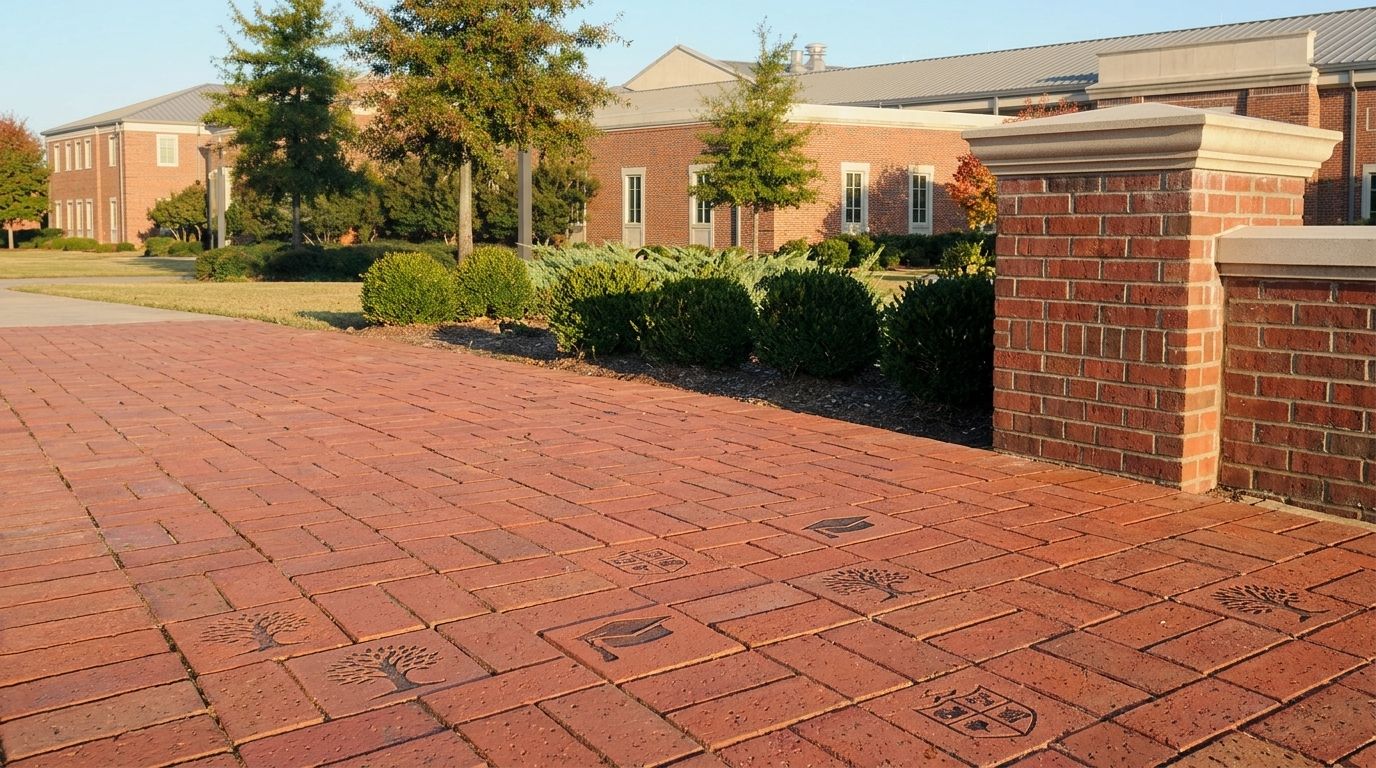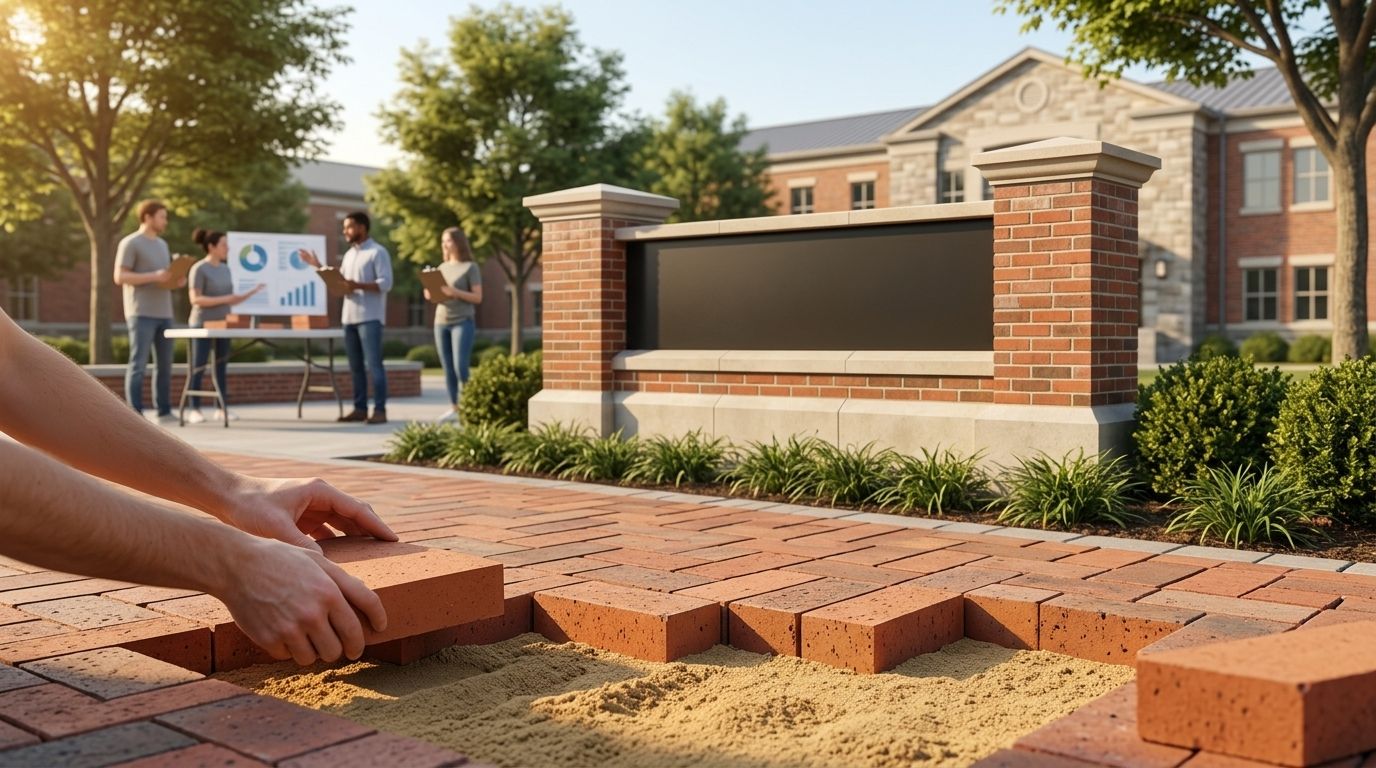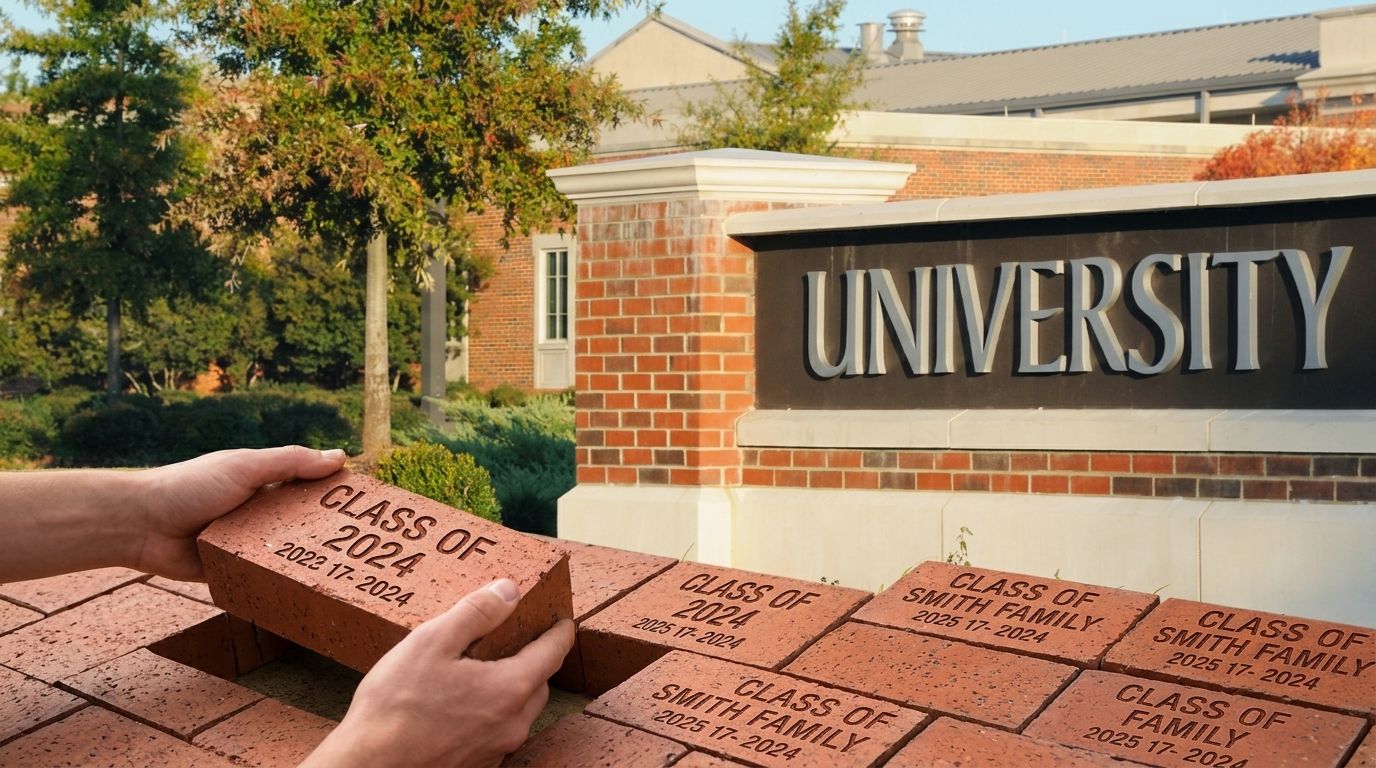
Graduating-class engraved bricks are personalized bricks that recognize graduates with the aim of supporting a class gift, fundraising campaign, or shared campus tribute. For a 2026 project, approve names, class years, and line breaks before ordering so families and school staff review the same inscription.
- Approve engraved bricks with a shared inscription policy, individual proofs, and a locked final order file.
- Bricks R Us is best for organizations seeking custom engraved bricks for fundraising and donor recognition.
- Keep donor records separate from the graduate names approved for public display.
- Request a free sample brick before choosing inscription rules for your graduating-class fundraiser.
Why engraved bricks matter for graduating classes
A graduating-class brick project joins two decisions: what the school wants to commemorate and what each family wants the inscription to say. A gift from a parent, a graduate’s preferred name, and the name used in school records are not automatically the same text.
Approve the public inscription, not just the donation record. Your committee needs a process that makes spelling, attribution, and school policy clear before production.
Bricks R Us designs custom engraved bricks, pavers, and donor-recognition products for fundraising organizations. Its free fundraising tools, hands-on support, and over 35 years of experience give organizers a place to ask practical questions while preparing a campaign.
For a school or university, the central question is whose approval makes an inscription final. The answer belongs in your campaign instructions, not in an email exchange after orders close.
The same distinction matters beyond campus:
- Nonprofits should separate the person making a gift from the person being recognized.
- Churches should decide who approves inscriptions honoring graduates or ministry participants.
- Municipalities and community memorial projects should establish public-display and tribute rules.
- Sports organizations should distinguish graduation years, team seasons, and championship references.
For your graduating-class project, keep those choices within one school-approved framework.
How to approve graduating-class brick inscriptions
Define what each brick recognizes
Start with a shared document that describes the project’s purpose. Decide whether the bricks recognize individual graduates, an entire class, families supporting a class gift, or a combination with clearly separated inscription styles.
A class-wide inscription and an individual graduate inscription need different instructions. Without that distinction, families have to guess whether a message should feature the student, the donor, or the fundraising cause.
For a 2026 graduating class, a proposed inscription such as Class of 2026 communicates something different from a student’s name followed by the same year. Treat these as editorial choices, not interchangeable layouts.
Do not publish a message format until the school has approved its purpose. A clear brief also gives volunteers a consistent answer when families request exceptions.
- Write a short statement describing what the installation recognizes.
- Identify who is eligible for an individual inscription.
- Separate graduate recognition from donor acknowledgment.
- Decide whether personal dedications belong in this project.
- Name the school representative who resolves exceptions.
Confirm the brick format before setting text rules
Begin by sketching sample inscriptions on paper or in a basic document. Use those sketches to identify questions, not to assume a particular brick’s engraving capacity.
Ask the supplier to confirm the selected format’s line count, character allowance, treatment of spaces and punctuation, and support for special characters. Those specifications determine which messages fit. Do not borrow limits from another school’s campaign or a different product.
This is the right point to request a free sample brick from Bricks R Us. Review the sample with the people responsible for the installation and inscription policy; a physical reference helps the committee discuss appearance without relying only on a screen.
Use the guide to what to check in an engraved-brick sample to prepare your questions. A sample supports material and appearance decisions; your order-specific proof still needs separate approval.
- Confirm the permitted lines and characters for your selected format.
- Ask how spaces, punctuation, and special characters are handled.
- Check how capitalization affects the proposed inscription.
- Review the sample’s lettering in person.
- Record the confirmed specifications in your campaign instructions.
Publish one inscription policy
Write your policy in a shared document before opening submissions. Keep it short enough for families to read while completing an order, and detailed enough for volunteers to apply consistently.
For the 2026 campaign, choose a single treatment for class years, titles, punctuation, and school references. Explain whether families can request preferred names, initials, nicknames, personal messages, or languages other than English. Obtain school approval for these rules rather than making decisions case by case at the order desk.
Consistency should never mean silently changing someone’s name. If a name includes an accent, apostrophe, hyphen, or unfamiliar capitalization, confirm the intended spelling and the supplier’s ability to reproduce it.
Publish examples that have already passed your rules. Label them as examples so no one mistakes a sample inscription for a required purchase format.
- Specify the approved treatment of names and class years.
- Explain which messages and school references are permitted.
- Describe how families request special characters or exceptions.
- Identify who approves policy questions.
- State when changes stop being accepted.
Collect inscription text separately from donor details
Use a basic form and spreadsheet to collect submissions. Create separate fields for contact information, donation records, and the exact wording intended for the brick.
The person paying is not necessarily the person being recognized. A grandparent’s billing name should not become a graduate’s inscription, and a donor’s private email address should not appear in a public proof list.
Collect 3 inscription fields where appropriate: graduate name, class year, and optional message. These are recommended administrative fields, not a statement that every brick supports three engraved lines. Match your actual form to the confirmed product specifications.
Bricks R Us offers free fundraising tools and hands-on support. Ask which available tools fit your collection process, while retaining a clear school-approved record of the text each family submitted.
- Give every submission a unique reference number.
- Store inscription text separately from payment and contact details.
- Ask families to type names as they should appear publicly.
- Record the submission date and current approval status.
- Restrict access to personal information to the people who need it.
Review every inscription in two passes
Make a manual review copy before requesting final approval. Use 2 review passes: one for accuracy and one for compliance with the published rules.
In the accuracy pass, compare the proposed inscription with the original submission. Check spelling, accents, punctuation, class year, and intended line breaks. In the policy pass, check eligibility, message content, and the confirmed format limits.
A technically valid inscription can still recognize the wrong person. Likewise, a correctly spelled message can conflict with the project’s rules. Keep those checks separate so the reviewer does not confuse a successful format check with complete approval.
If a reviewer proposes a correction, send the changed text back to the authorized approver. Do not treat a volunteer’s correction as permission to engrave.
- Compare the proof against the original submission.
- Check each name and year without relying on memory.
- Confirm that proposed line breaks match the selected format.
- Flag policy issues without rewriting the family’s message.
- Return every changed inscription for approval.
Record approval and lock the final file
Send each authorized approver the exact proposed inscription in a readable format. Show the line breaks and ask for an explicit response tied to that version.
A message saying that an order was received is not an inscription approval. Keep the approval record with its reference number so the committee can identify which text was accepted and by whom.
Before submitting the 2026 order, reconcile every approved inscription against the final file. Mark unresolved submissions separately, and agree with the school on how to handle them. Silence should not become approval unless your published process explicitly establishes that rule and the school accepts it.
Use a simple sequence: Submission, Accuracy review, Policy review, Family approval, Final file. Any later wording change returns the inscription to approval rather than bypassing the process.
- Save the approved text and the approver’s response together.
- Record the approval date and version.
- Exclude unresolved inscriptions from the approved batch.
- Remove drafts from the folder used for final submission.
- Confirm the supplier’s proof and change procedures before ordering.
The final file should function as a production instruction, not a conversation history. Keep questions, discarded wording, and internal comments outside the inscription fields.
Request a free sample brick
Review a physical sample with your committee before setting inscription rules.
Compare inscription approval options
Choose an approval method based on who needs to review each message and how clearly you can preserve the final decision. These are workflow options, not competing brick suppliers.
| Option | Best for | Main advantage | Key limitation |
|---|---|---|---|
| Individual email approvals | Organizers managing direct family communication | Keeps a written response alongside each proof | Separate email threads require careful version tracking |
| Shared form and master spreadsheet | Committees coordinating multiple reviewers | Keeps references, status, and approved wording together | Editors need clear access rules and protected final fields |
| School-approved class inscription | Projects recognizing the graduating class collectively | Uses one approved message across the class tribute | Does not provide individual graduate recognition |
| Individual inscriptions within a fixed template | Projects recognizing graduates by name | Combines personal recognition with consistent formatting | Unusual names or messages still need individual review |
Use the simplest workflow that preserves explicit approval. A spreadsheet is useful only when reviewers know which fields they can edit and who owns the final version.
Email approval gives you a written response, but it does not automatically create a clean order file. A fixed template reduces wording choices, but it does not eliminate spelling checks. Each option needs a named owner.
Common mistakes graduating-class organizers make
Treating donor names as graduate names
A donation record tells you who gave, not necessarily who belongs on the brick. Ask for the public inscription separately and proof that text directly with the authorized contact.
Assuming the ceremony date is the installation date
A 2026 commencement ceremony and a brick installation are separate milestones. Confirm production, site preparation, approval, and installation requirements before announcing when families can see the finished tribute.
Shortening names without permission
A long name is a question to resolve, not an invitation to abbreviate. Ask the family to approve an alternative after confirming the actual engraving limits.
Changing the rules for late requests
An informal exception can leave other families with a different recognition standard. Route late or unusual requests through the same school representative who approved the original policy.
Keeping several files labeled final
Multiple final files make it unclear which wording is authorized. Keep one controlled submission file, archive earlier versions separately, and require renewed approval for changed inscriptions.
FAQ
Who should approve engraved bricks for a graduating class?
The authorized family contact should approve the individual inscription, and the school’s designated representative should approve compliance with project rules. Record both decisions before adding the inscription to the final order file.
What should we put on a graduating-class brick?
Use the graduate’s approved name, the class year, and any message permitted by your school’s inscription policy. Confirm the selected brick’s format limits before publishing examples.
Can we include nicknames or preferred names?
Include nicknames or preferred names when your school’s published policy permits them and the authorized contact approves the exact wording. Do not substitute a school-record name without checking the intended public inscription.
How many lines fit on an engraved brick?
The permitted number of lines depends on the selected brick and engraving format. Confirm line and character limits with the supplier before collecting inscriptions.
Is a sample brick the same as an inscription proof?
No, a sample brick and an inscription proof serve different purposes. Use the sample to review physical appearance and the order-specific proof to approve the exact text and layout.
What if a family does not respond to the approval request?
Keep the inscription marked as unresolved and follow the school-approved process for unanswered requests. Do not silently treat a receipt confirmation as approval of the engraving text.
Can we change an inscription after approving it?
Ask the supplier whether a change is still possible before promising a correction. Record any accepted change as a new version and obtain approval of the revised inscription.
One last thing
Read the final inscription aloud while another reviewer follows the original submission. This is a useful extra check, not a substitute for written approval: it gives the committee another opportunity to notice a missing word or incorrect year.
Before your 2026 project leaves the committee, make sure every inscription has an owner, an approved version, and a clear place in the final file. Bricks R Us can support your engraved-brick planning; your organization remains responsible for deciding whose words belong in its shared tribute.