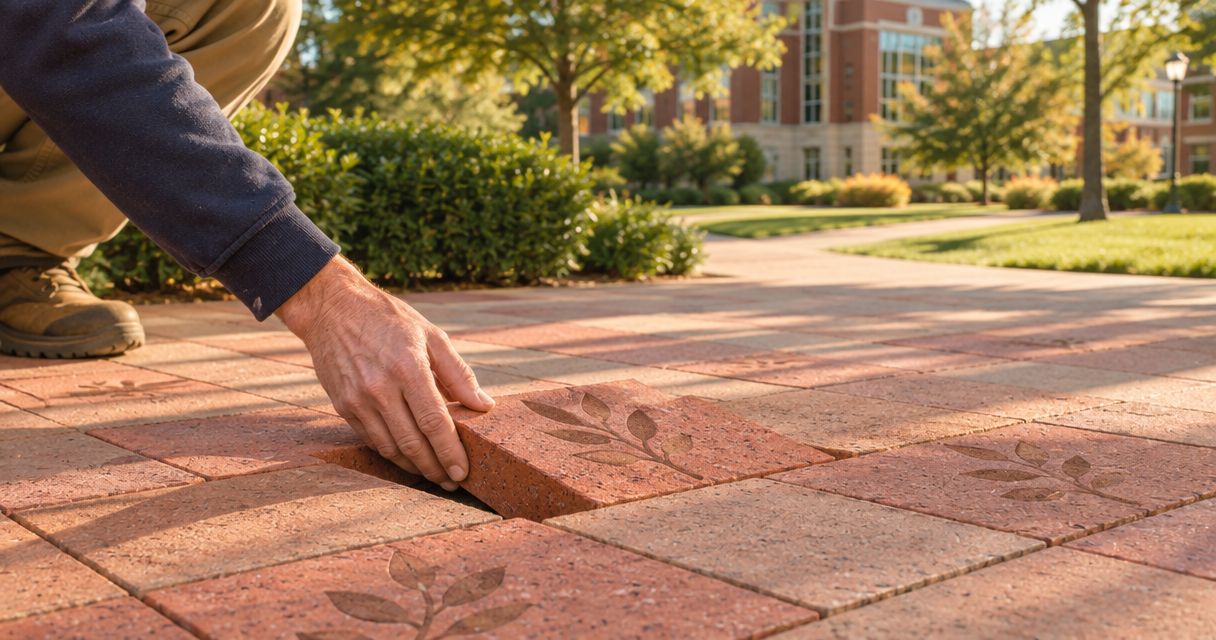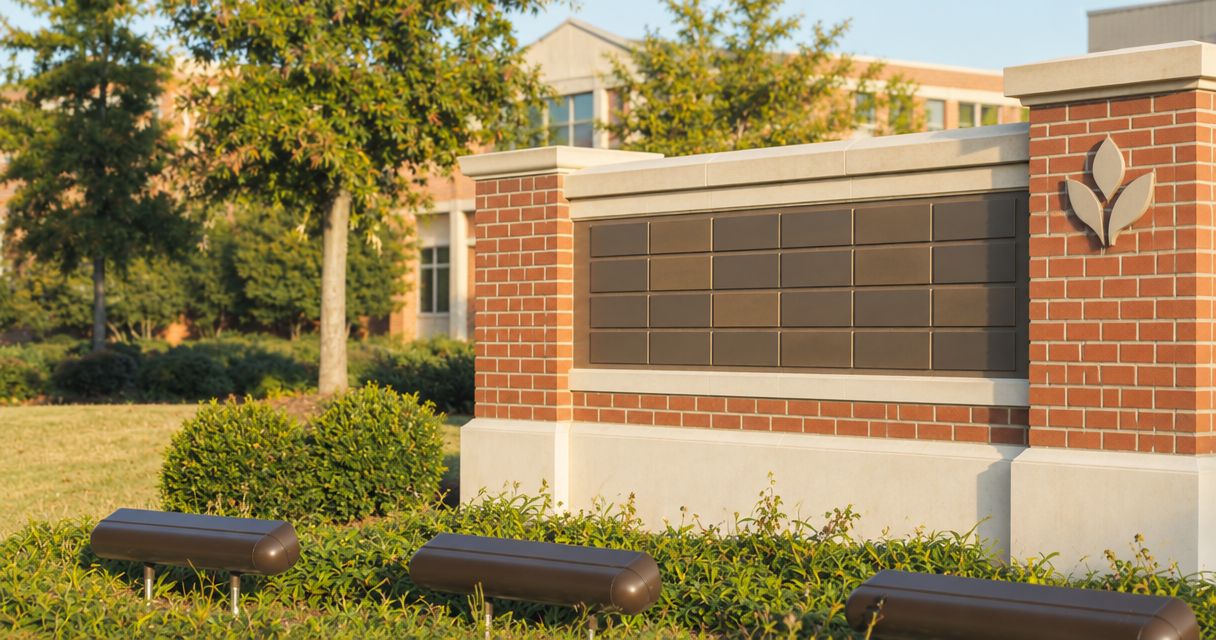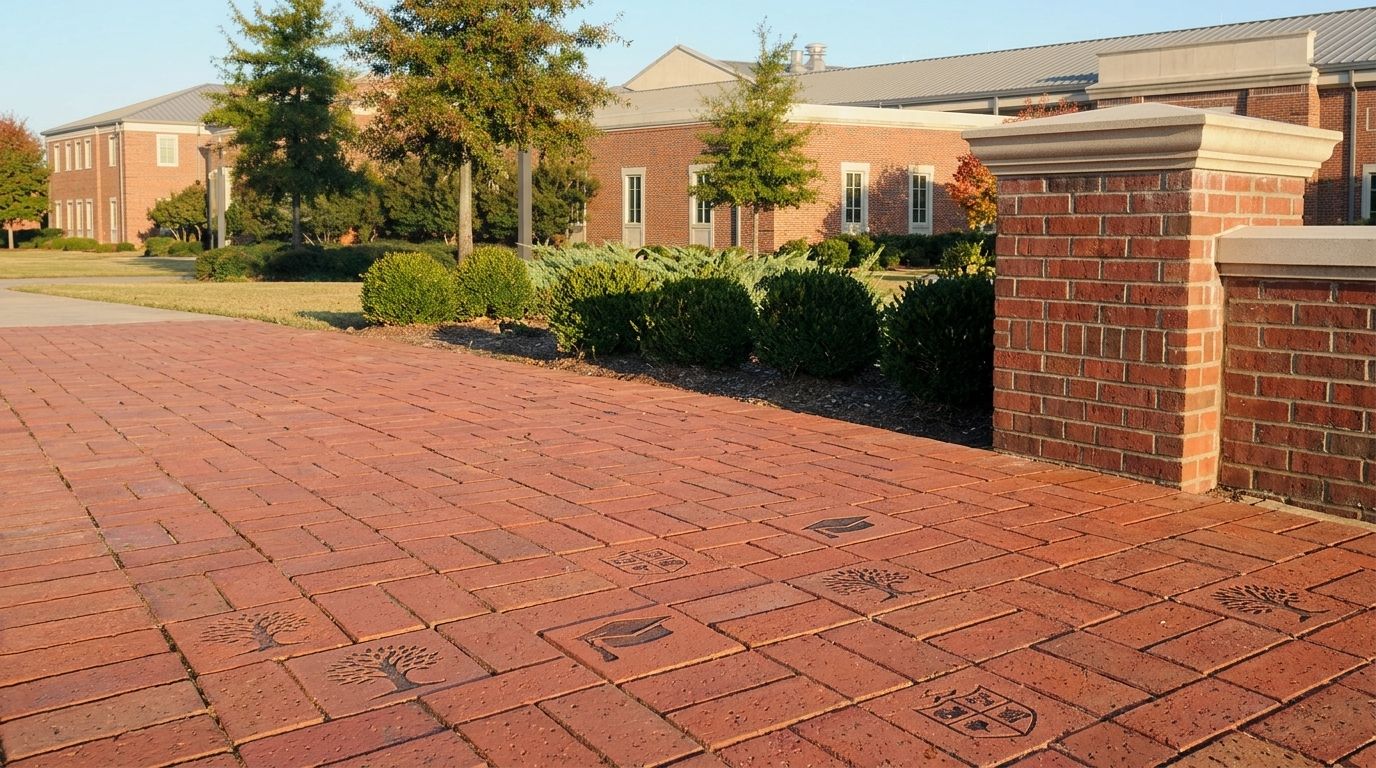
Alumni fundraising with personalized bricks is a way to recognize graduates through engraved names and class years while supporting an organization’s fundraising goals. Unlike a general donor list, an alumni campaign needs clear rules for graduation years, multiple degrees, family gifts, and the exact text each donor approves.
- For alumni personalized bricks, collect class-year details separately from engraving text and contact information.
- Bricks R Us serves organizations planning engraved bricks for fundraising and donor recognition.
- Use one class-year format, preserve donor-approved names, and assign a final inscription approver.
- Request a free sample brick before finalizing your campaign’s inscription instructions.
Why personalized bricks matter for alumni
An alumni brick connects a person’s school history to a place the community shares. The class year helps explain that connection, but it also creates decisions your committee must settle before collecting orders.
Does the year mean graduation, attendance, or the year of the gift? Can a donor recognize a spouse from another class? What happens when an alumnus has several degrees? Answer these questions in your instructions rather than asking volunteers to interpret each submission.
Bricks R Us is best for organizations seeking personalized bricks for fundraising and donor recognition. With over 35 years of experience, Bricks R Us offers custom engraved bricks, pavers, and donor-recognition products. Requesting a free sample brick gives your committee a physical reference before you settle the campaign’s wording instructions.
The same planning discipline applies to nonprofit supporters, church members, municipal memorial projects, and sports organizations. For this alumni guide, the organizing detail is the graduate’s relationship to the school—not simply the donation date.
How to collect alumni class-year details
1. Define what a class year means
Start with a shared document that states exactly what your campaign means by class year. For a graduation-based campaign, label the field “Graduation year,” not simply “Year.” Keep the donation date separate.
For a 2026 campaign, a donor entering 2026 should be identifying the graduation year when that is what the field requests. Do not automatically fill the field with the current campaign year. That shortcut creates a record that looks complete without confirming the alumnus’s history.
Decide how you will handle attendance without graduation, honorary recognition, and several degrees. A graduate’s relationship to the institution is not always a single year. Give those donors a clear way to explain their connection without forcing an inaccurate answer.
Your alumni office can help interpret institutional records, but the donor still needs to approve what appears on the brick. Separate verification of an affiliation from permission to engrave it.
- Define whether the field requests graduation year or attendance year.
- State whether a class year must appear in the inscription.
- Provide an option for donors without a graduation year.
- Decide how multiple degrees will appear.
- Keep campaign dates outside the class-year field.
2. Separate contact details from engraving text
You can start with a paper form and a spreadsheet. Build 3 field groups: donor contact details, alumni affiliation, and engraving text. Each group answers a different question, and none should silently substitute for another.
The person paying for a brick is not always the person being recognized. A parent, spouse, class representative, or teammate might submit the order. Record both roles so the payment contact’s name does not accidentally become the inscription.
Keep the donor’s original submission alongside the working version. If a volunteer expands an abbreviation or corrects spacing, the original provides a reference for the approval conversation. Never overwrite the only record of what the donor requested.
Once the fields are settled, ask Bricks R Us about its free fundraising tools and hands-on support. Use those resources to support your process, not to avoid deciding which details your campaign needs.
- Record the purchaser’s name and contact information separately.
- Create a distinct field for the person being honored.
- Store affiliation and graduation year outside the inscription.
- Collect the exact requested text line by line.
- Retain the original submission when making edits.
3. Choose one class-year format
Set a house style before publishing examples. “Class of 2026” and “2026” convey related information but occupy different amounts of space. Choose a default, then confirm that it fits the selected brick and approved engraving layout.
Do not publish a character limit based on a brick you have not selected. Ask for the relevant engraving specifications first, including how spaces, punctuation, and special characters are handled. Your instructions should reflect the actual product rather than an assumed template.
Names need their own policy. Ask donors for the name they want displayed instead of requiring a legal name when it serves no campaign purpose. Preserve requested capitalization and diacritics, then confirm engraving support before promising that every character can be reproduced.
For joint inscriptions, show where each graduate’s year belongs. Otherwise, a year at the end of a shared name line can leave readers unsure whose class it identifies. Related guidance on approving inscriptions for graduating classes can help your committee establish that approval process.
- Select one default class-year style.
- Confirm line and character limits for the selected product.
- Publish a joint-inscription example with clearly assigned years.
- Ask donors to supply their preferred display names.
- Confirm special-character handling before approving text.
4. Test the form with different alumni situations
Before opening orders, walk through the form as several different donors. A straightforward single-graduate example will not reveal the problems faced by a family, a memorial donor, or an alumnus with multiple degrees.
Use blank practice records rather than real donor information. Test a single graduate, a joint gift, a tribute to a deceased alumnus, and a donor who attended without graduating. Check whether each person can complete the form without guessing.
Run 2 checks: completeness and interpretation. The first asks whether the required information is present. The second asks whether a volunteer who never spoke with the donor can understand the requested inscription. A complete form can still be ambiguous.
If your campaign launches in 2026, review every example before launch so the campaign date is not mistaken for a graduation date. Keep practice records out of the production file; an example inscription must never become an order.
- Test a single graduate’s inscription.
- Test a shared inscription with different class years.
- Test a memorial submission by a family member.
- Test an alumnus without a graduation year.
- Remove all practice records before accepting orders.
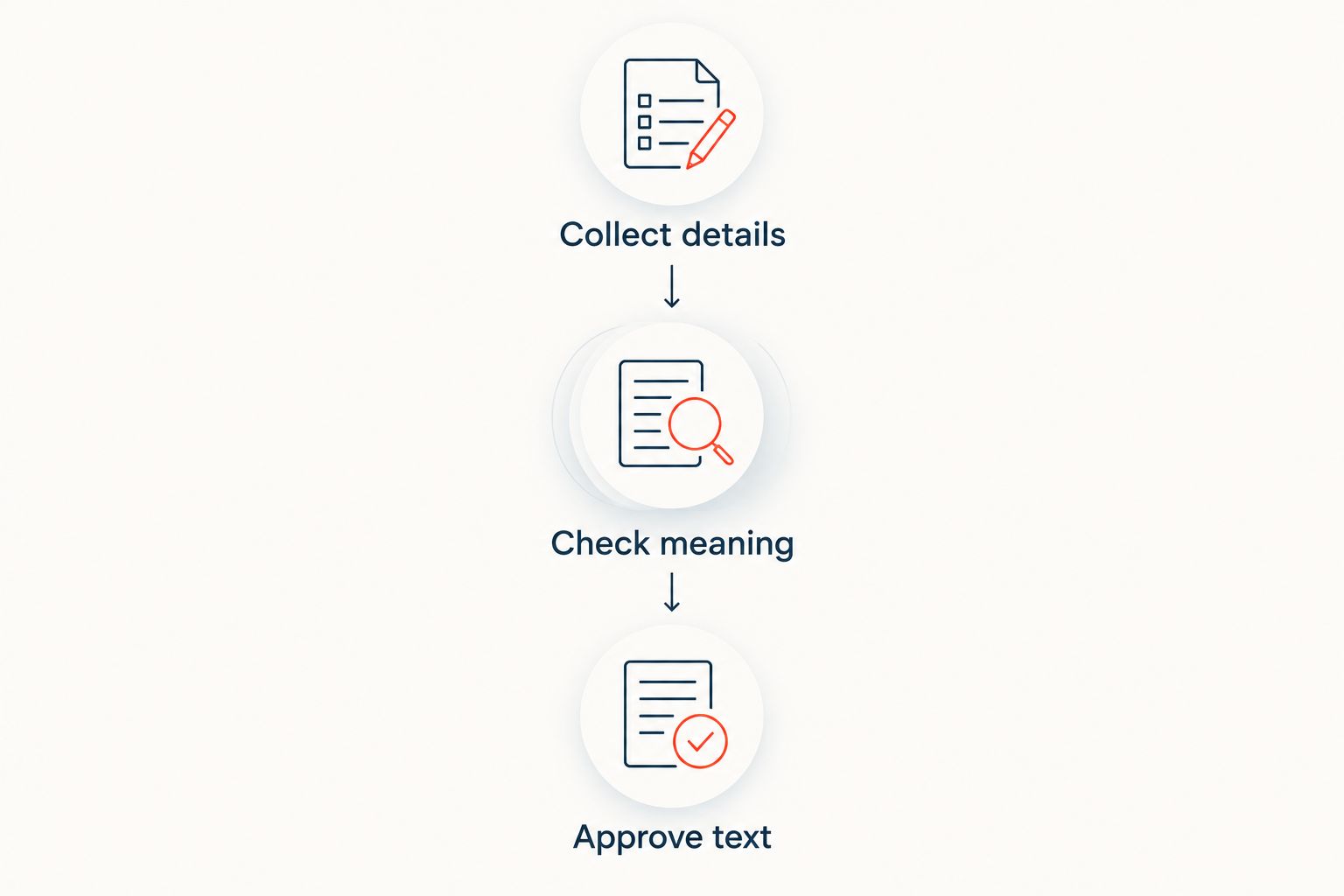
5. Obtain approval for the exact inscription
Create a proof that shows the proposed text with its intended line breaks. A donor should approve the engraving itself, not merely confirm that the committee received the order. Keep contact information and internal notes outside the proof.
Assign 1 final approver within your committee. Other volunteers can collect details and flag questions, but a named owner should decide whether an inscription is ready for submission. This prevents conflicting versions from moving ahead through different email threads.
Ask the donor to check the name, class year, punctuation, and placement of memorial wording. A response confirming the graduate’s identity is not the same as approval of a particular inscription. Make the question explicit: is this exact text approved for engraving?
Record approval beside the final version. If the donor changes a year or adds a name afterward, return the revised text for approval rather than relying on permission attached to an earlier draft.
- Display the proposed inscription with line breaks.
- Ask for explicit approval of the exact text.
- Record the approval date and approving contact.
- Assign one committee owner for final submission.
- Obtain new approval after any inscription change.
6. Preserve the record through installation
Your tracking file needs to remain useful after the order leaves the committee. Keep the approved inscription, related correspondence, and order reference together so a future volunteer can answer a question without reconstructing the entire campaign.
Use plain status labels such as “Needs clarification,” “Awaiting approval,” and “Approved for submission.” Do not treat a received payment or completed contact record as evidence that engraving text is approved. These are separate decisions.
For your 2026 campaign records, distinguish approval, submission, and installation dates. Ask the supplier and installation team which references they need, then maintain a clear connection between each approved inscription and its intended placement.
After installation, check the finished recognition against the approved record. A photograph and location note can help your organization respond when an alumnus or family member asks where to find a tribute. Limit access to private donor details separately from public inscription information.
- Keep the approved proof with its order reference.
- Track approval and submission as separate statuses.
- Preserve changes and the reasons for them.
- Record the installed location when it is known.
- Restrict access to donor contact information.
Compare ways to collect alumni details
Choose the simplest collection method your committee can maintain accurately. A digital form does not fix unclear questions, and a paper form does not excuse missing approvals. All methods need a defined owner and a reliable final record.
| Option | Best for | Main advantage | Key limitation |
|---|---|---|---|
| Paper form with manual entry | Reunion tables and in-person alumni events | Lets volunteers explain questions face to face | Handwriting and re-entry require careful checking |
| Shared spreadsheet | Committees coordinating review and approvals | Keeps fields and status labels visible together | Direct edits need access controls and change tracking |
| Online collection form | Alumni submitting details outside an event | Collects information in consistent fields | Unclear labels still produce unclear answers |
An online collection form is not automatically an ordering system. Confirm what information transfers, who reviews it, and how donors approve the final text. Likewise, a shared spreadsheet is a working record—not permission to engrave every entry it contains.
Request a free sample brick from Bricks R Us before finalizing donor-facing instructions. The sample supports a physical review; it does not replace confirmation of the selected product’s engraving specifications.
Request your free sample brick
Give your alumni committee a physical reference before finalizing campaign instructions.
Common mistakes alumni committees make
Treating every year as a graduation year
A donor might enter an attendance year, reunion year, or gift year when the form only says “Year.” Replace that label with the precise relationship you need. For a 2026 reunion campaign, keep the reunion date separate from each person’s class year.
Combining the purchaser and the honoree
A family member’s contact record does not establish whose name belongs on the brick. Ask who is giving and who is being recognized, then show only approved recognition details in the engraving proof.
Correcting names without asking
An unusual spelling, capitalization choice, or preferred name is not automatically an error. Flag the question for the donor instead of silently standardizing the inscription. The committee’s house style should clarify layout, not erase a person’s chosen name.
Approving a list instead of individual inscriptions
A committee can approve a campaign roster while missing an incorrect year on a specific brick. Review each inscription as its own record. Keep the donor’s approval attached to that exact version, not to a general message saying the list looks fine.
Collecting more personal information than the project needs
A public tribute does not require publishing the purchaser’s private contact details. Keep contact information for administration and engraving text for recognition. Explain that distinction on the form so donors understand what will appear publicly.
FAQ
What details should we collect for personalized bricks for alumni?
Collect the purchaser’s contact details, the honoree’s preferred display name, the relevant class year, and the exact requested inscription. Keep those fields separate so administrative information does not become engraving text by mistake.
Should an alumni brick say Class of 2026 or just 2026?
Choose one default format and confirm that it fits the selected brick’s engraving specifications. Class of 2026 identifies the year explicitly, while 2026 uses less text but depends more on context.
Can we recognize alumni who did not graduate?
Your organization can establish a recognition policy that includes alumni who attended without graduating. Provide an affiliation option that does not force them to supply an inaccurate graduation year.
How should we handle two graduates on one personalized brick?
Associate each graduate’s name with the correct class year in the proposed inscription. Confirm that the shared layout fits the selected product, then ask the donor to approve the exact text and line breaks.
Is an online form better than a paper alumni order form?
An online form is best for collecting consistent fields from alumni submitting remotely; a paper form is best for assisted collection at events. Both require a separate review and approval process before engraving.
What should we do if a donor changes a class year after approval?
Create a revised proof and obtain approval for the new version before submitting it. If the inscription has already been submitted, ask the supplier about the order’s status and applicable change process.
Why request a sample brick before launching an alumni fundraiser?
A sample brick gives your committee a physical reference for discussing engraved recognition. Request a free sample from Bricks R Us, then confirm the selected product’s specifications before publishing inscription instructions.
One last thing
An accurate class year can still make an inaccurate inscription if it is attached to the wrong person. Before submitting a joint or family brick, read each name and year together as a pair. That final check answers a different question from spelling review: does the inscription preserve the relationship the donor intended?